Documentation Generation
After this page, you will be able to generate useful HTML docs on a machine that cannot create a Spark session. You will also know how to backfill real table columns from a Spark environment.
bolt generate documentation always writes outputs/schema/schema.py. That helper script is the bridge between your local docs run and a remote Spark runtime.
The Spark free schema flow
Follow these four steps in order.
- Generate the documentation once on your local machine.
bolt generate documentationCreates static HTML documentation and a schema helper script:
- Main page:
./outputs/documentation/index.html - Table pages:
./outputs/documentation/tables/*.html - Schema helper:
./outputs/schema/schema.py
schema.py is always emitted. If Spark is unavailable locally, run schema.py in a Spark environment, save the resulting schema.csv to ./outputs/schema/schema.csv, and run bolt generate documentation again.
Real output from sample_project:
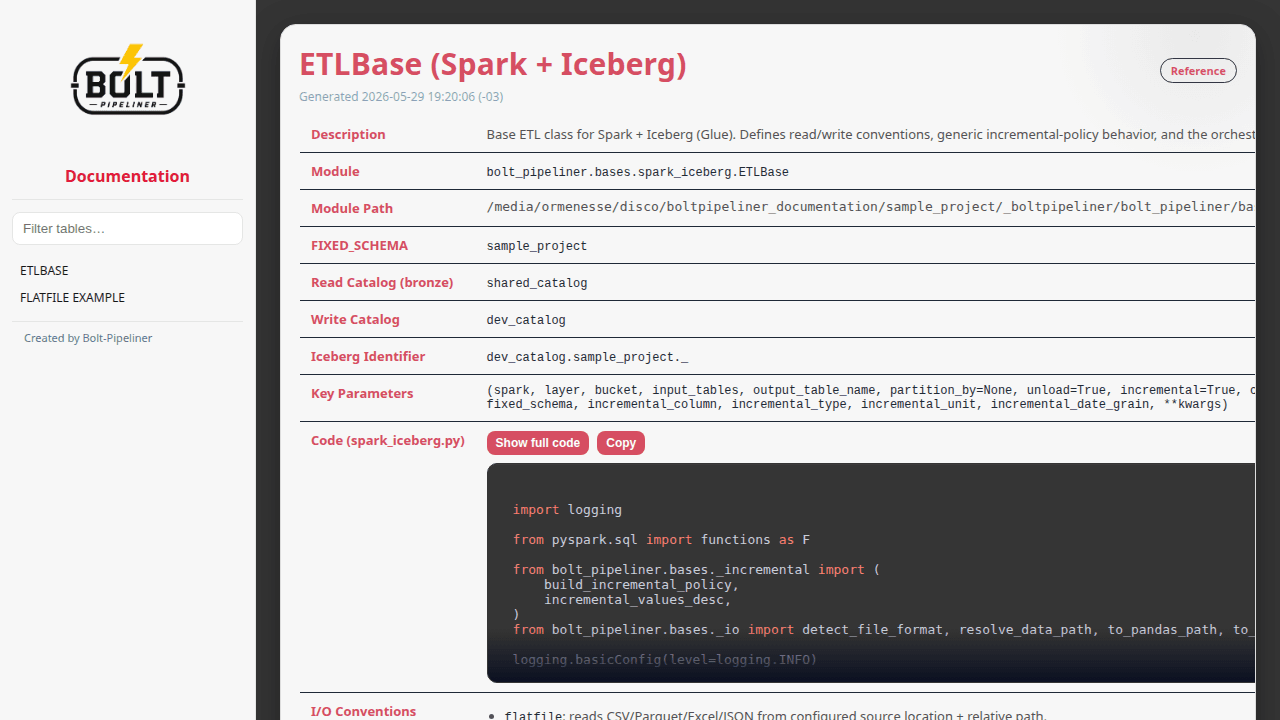
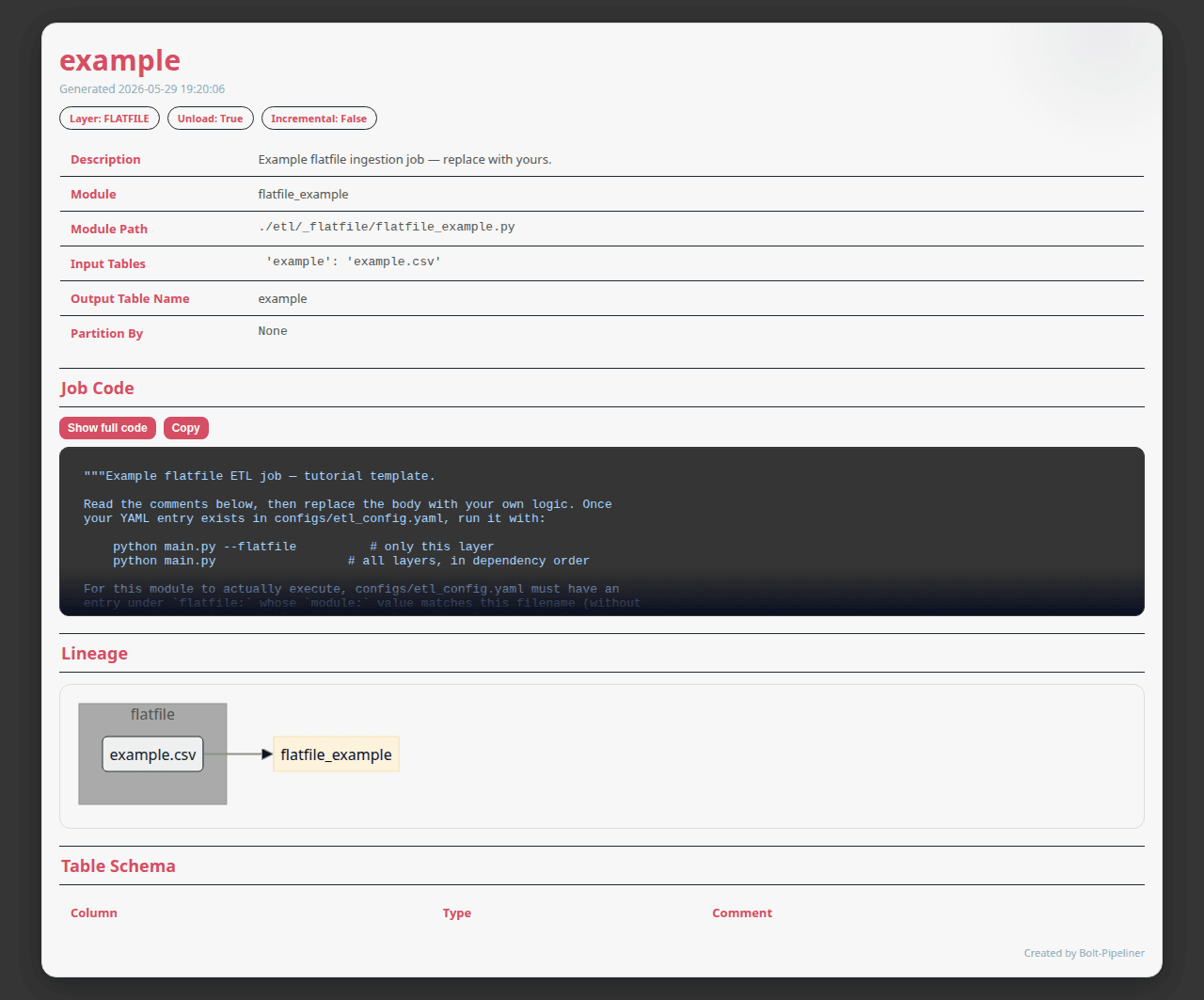
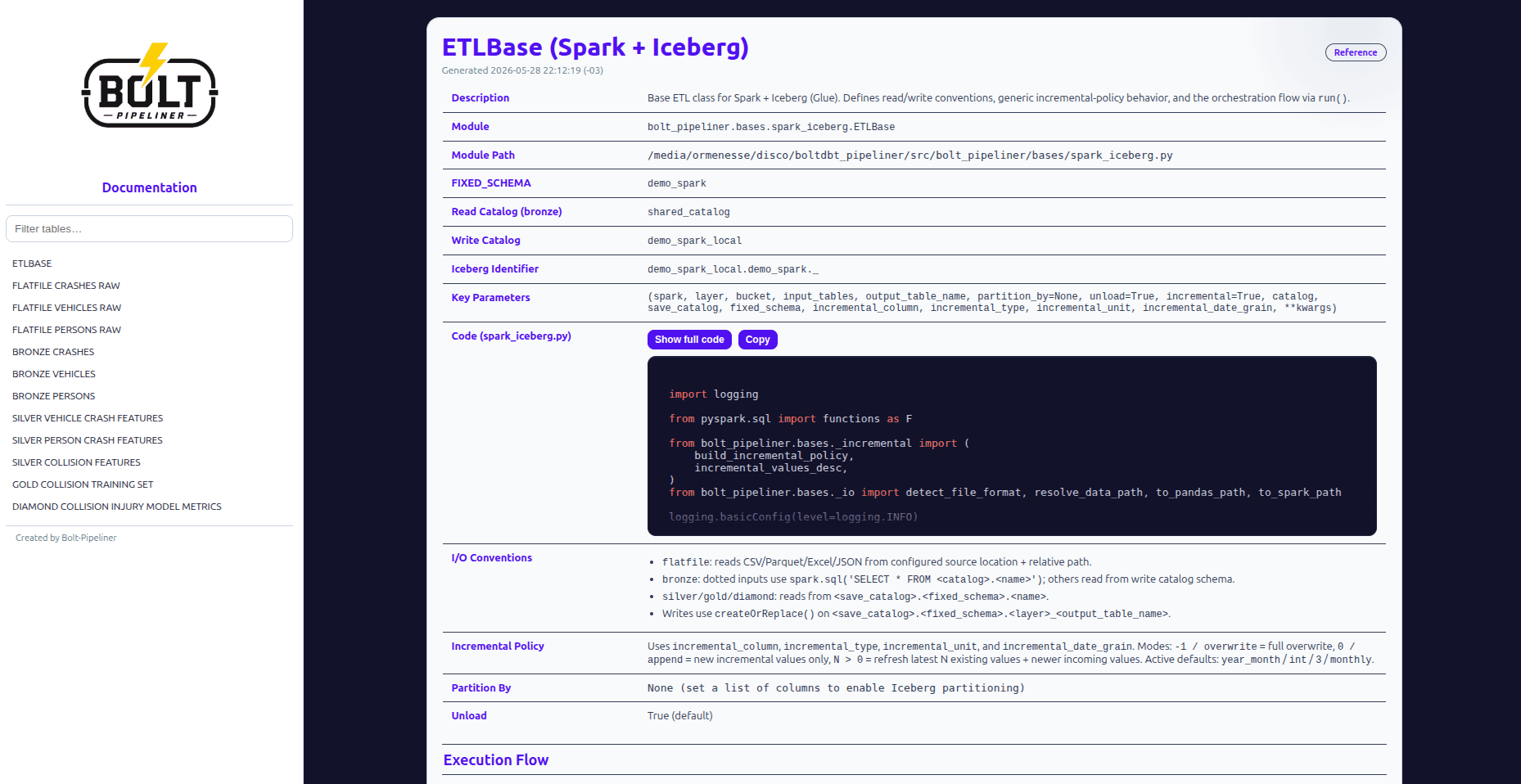
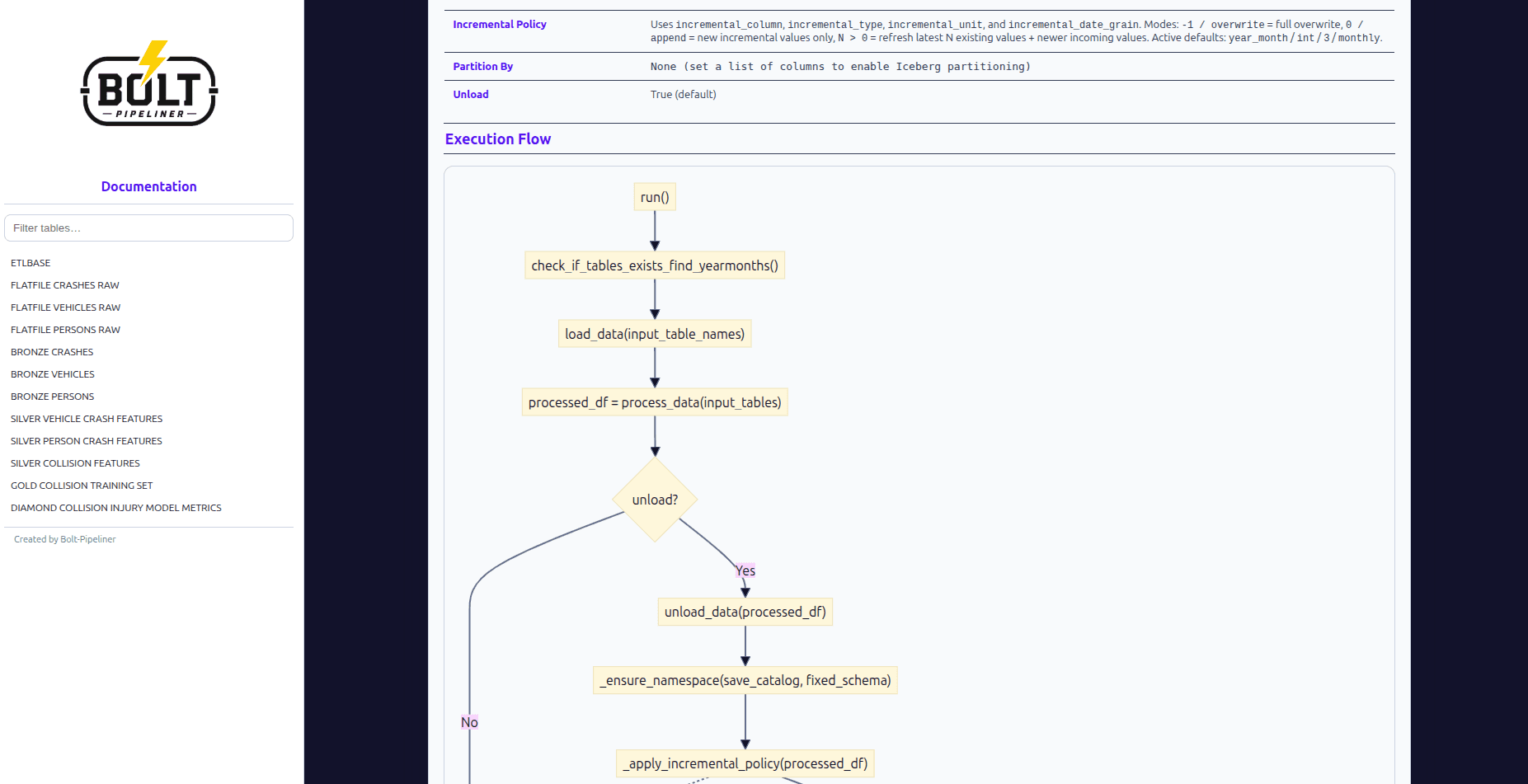
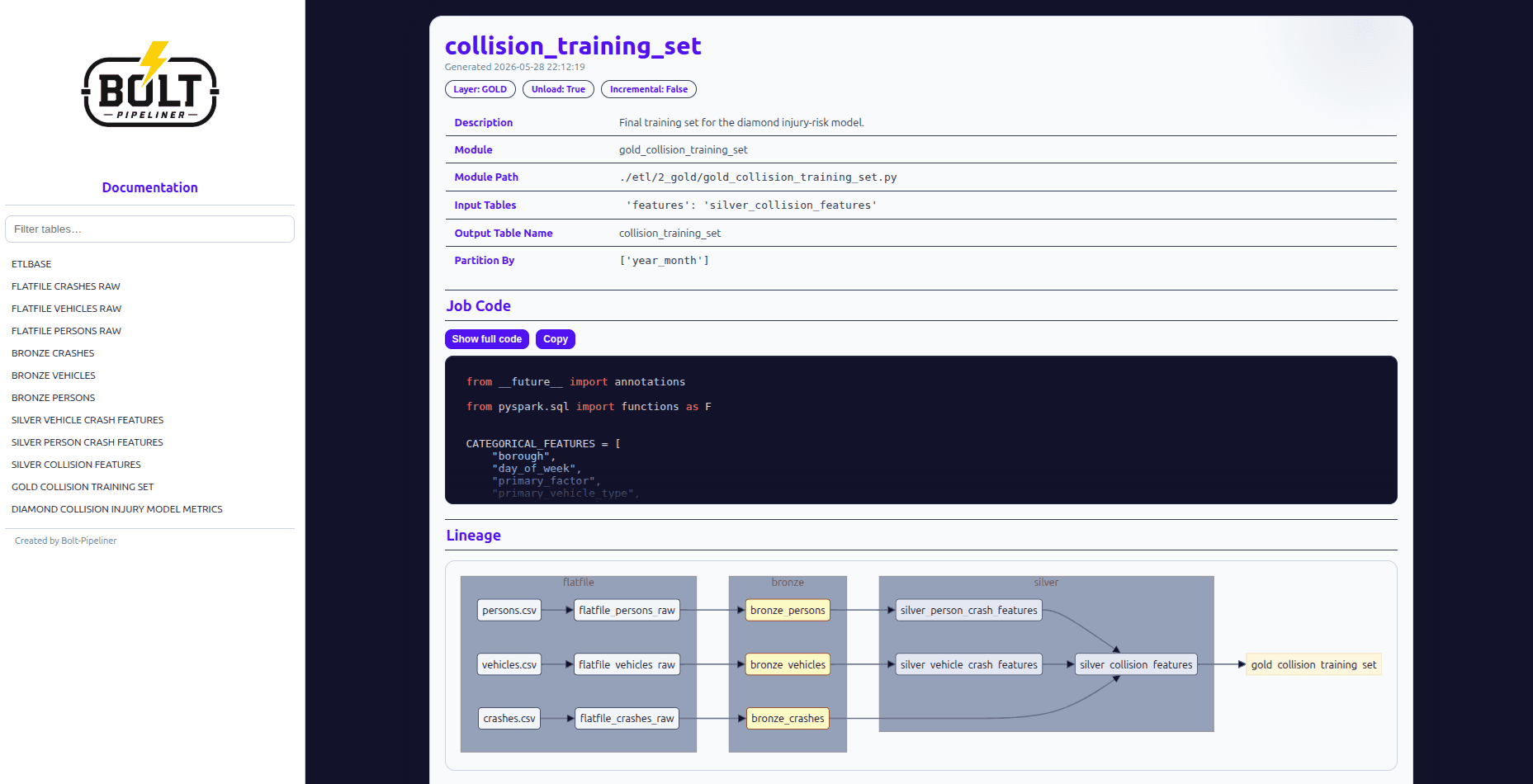
If Spark is unavailable locally, Bolt still generates HTML files and writes outputs/schema/schema.py.
- Run
outputs/schema/schema.pyin an environment where Spark can query your catalog tables.
The script prints CSV content to stdout. It also prints the target path, which is ./outputs/schema/schema.csv.
- Save that printed CSV output as
outputs/schema/schema.csvin your project.
You need these columns in the file:
table_namecol_namedata_typecomment
- Regenerate documentation so Bolt can read
schema.csvand inject real columns into table pages.
bolt generate documentationAfter the second run, pages under outputs/documentation/tables/ include real schema rows instead of empty placeholders.
Why this works
The documentation generator tries to create a Spark session first. If that fails, it falls back to reading outputs/schema/schema.csv. This lets you keep documentation work local while collecting schema metadata from a separate Spark environment.